Walkie-talkie
Push-to-talk radio for your crew, on your phone, computer or Apple Watch.
The walkie-talkie turns your phone (or computer) into a radio for your crew. Get on a channel to hear everyone on it. Hold the button to talk, and one person talks at a time, just like a radio. It's built for load-ins and load-outs, when your hands are full and texting isn't an option.
The walkie-talkie needs the Enterprise plan or higher.
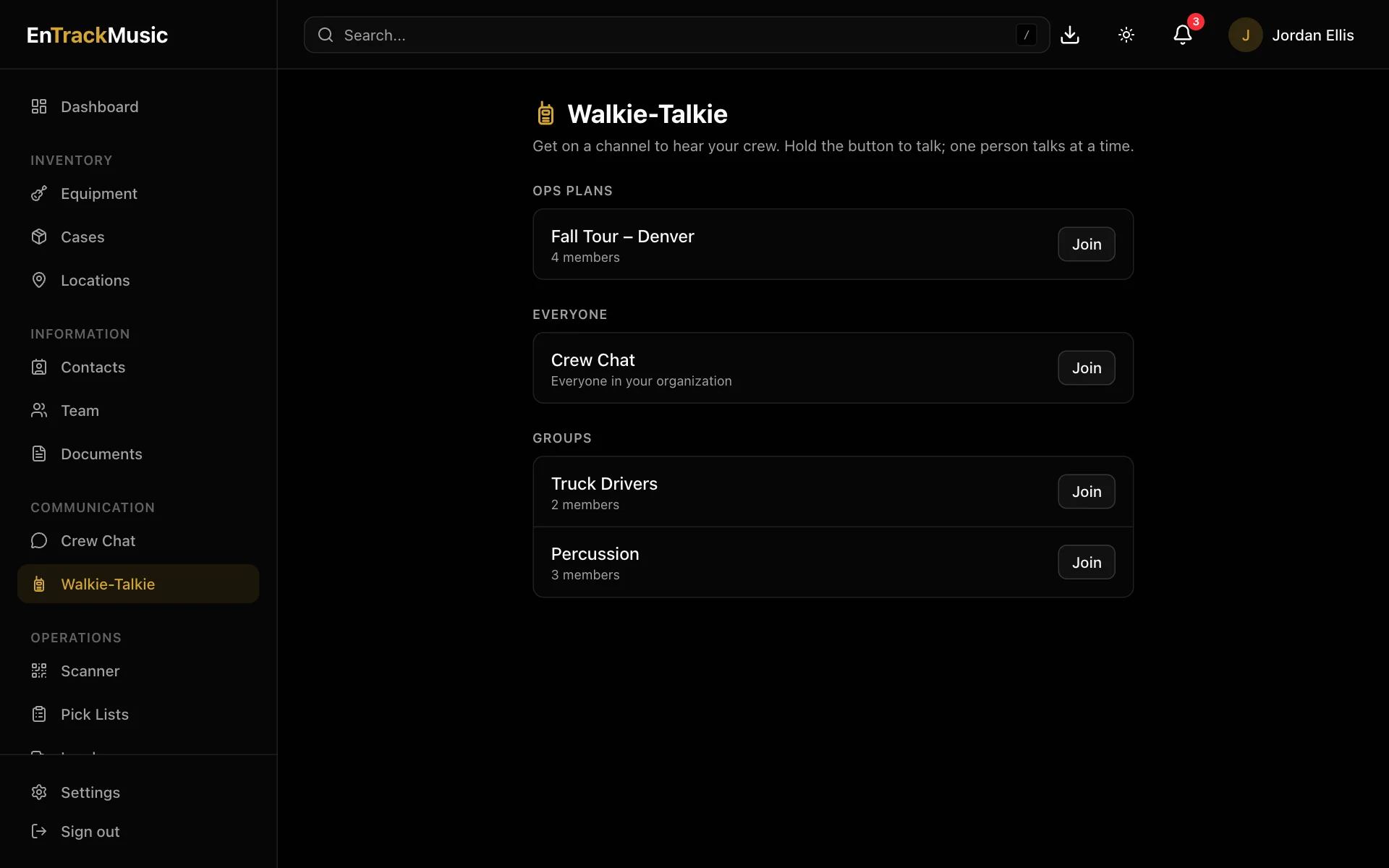
Get on a channel
Open Walkie-Talkie
Choose Walkie-Talkie in the menu. Channels are the same as your chat channels: Everyone, your ops plans and your groups.
Join one
Choose Join next to a channel. Allow microphone access the first time. You'll hear everyone on the channel from now on.
Hold to talk
Press and hold the big button while you talk, and let go when you're done. While someone else is talking, the button shows their name and you'll have to wait for them to finish.
Choose Leave to get off the channel, or Switch next to another channel to change.
Talk from anywhere in the app
While you're on a channel, a talk button floats in the corner of every screen, so you can keep scanning, packing or loading while you talk. In the iPhone and Android apps, it sits beside the flashlight on the scanner and load screens.
On a phone, the channel keeps playing when you lock the screen or switch apps. On iPhone, the lock screen shows who's talking.
Apple Watch
The EnTrackMusic watch app has a Walkie screen: pick a channel and hold to talk from your wrist, with a tap when someone keys up. Your iPhone does the talking and listening, so keep it nearby. It works best with AirPods.
If you can't talk
- "Listening only" means your microphone is blocked. Allow it in your browser's site settings, or in your phone's Settings → EnTrackMusic, then rejoin.
Headphones stop the walkie-talkie from echoing through your microphone. One person can be on a channel from their phone and computer at the same time.
Still stuck? Contact us and we'll help.