Contacts
Keep a directory of musicians, venue staff and vendors.
Contacts is your directory of people who don't use EnTrackMusic: musicians, venue managers, techs, drivers, rental houses. You can make a contact responsible for gear without giving them an account.
Contacts need the Pro plan or higher.
Find a contact
Go to Contacts. Search by name, email, phone or position, and switch between card, table and board views. On a board, you can group contacts by position.
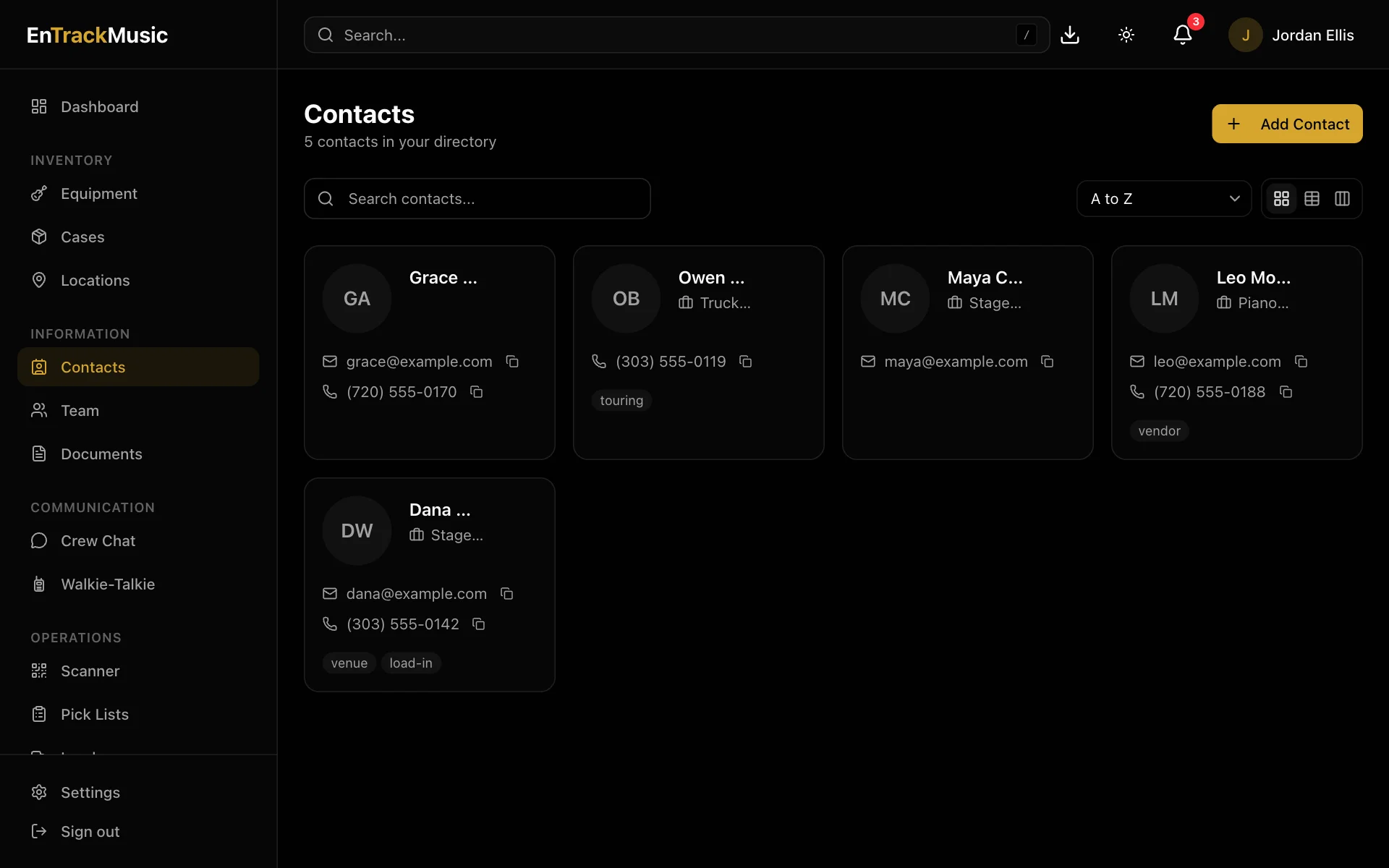
Choose a contact to see their details. Each email and phone number has a copy button. You'll also see their tags and notes, the gear assigned to them, and any linked documents, history and comments.
Admins only
Add or edit a contact
Choose Add Contact. First and last name are required. Position, email, phone, a photo, tags (comma-separated, like Touring, Denver) and notes are optional. To edit, open the contact and choose the pencil.
Make a contact responsible for gear
Edit a piece of equipment, and under Assigned To, search for the contact. Team members and contacts appear in the same list. The gear then shows up under Assigned Equipment on the contact.
Still stuck? Contact us and we'll help.