Comments and mentions
Leave notes on gear, plans and documents, and @mention teammates.
Showing steps for
Leave a note on almost anything: equipment, cases, locations, contacts, documents, files, pick lists, loads and ops plans. Comments stay with the item, so the next person to open it sees them.
Add a comment
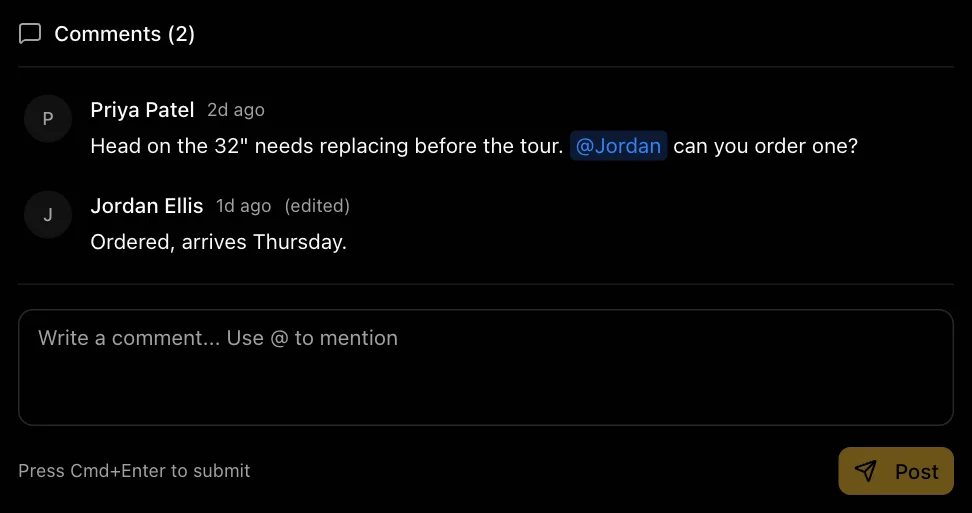
Open the item and scroll to Comments. Type your comment and choose Post, or press ⌘+Enter.
Mention someone
Type @ and start typing a teammate's first name, then choose them from the list. They'll get a notification with your comment.
Edit or delete
Hover over your own comment (or long-press on a phone) to edit or delete it. Edited comments show (edited).
Still stuck? Contact us and we'll help.