Your account and security
Profile, password, sign-in methods and two-factor authentication.
Your profile, sign-in methods and security live under Settings. Choose your name at the top right, or Settings at the bottom of the menu.
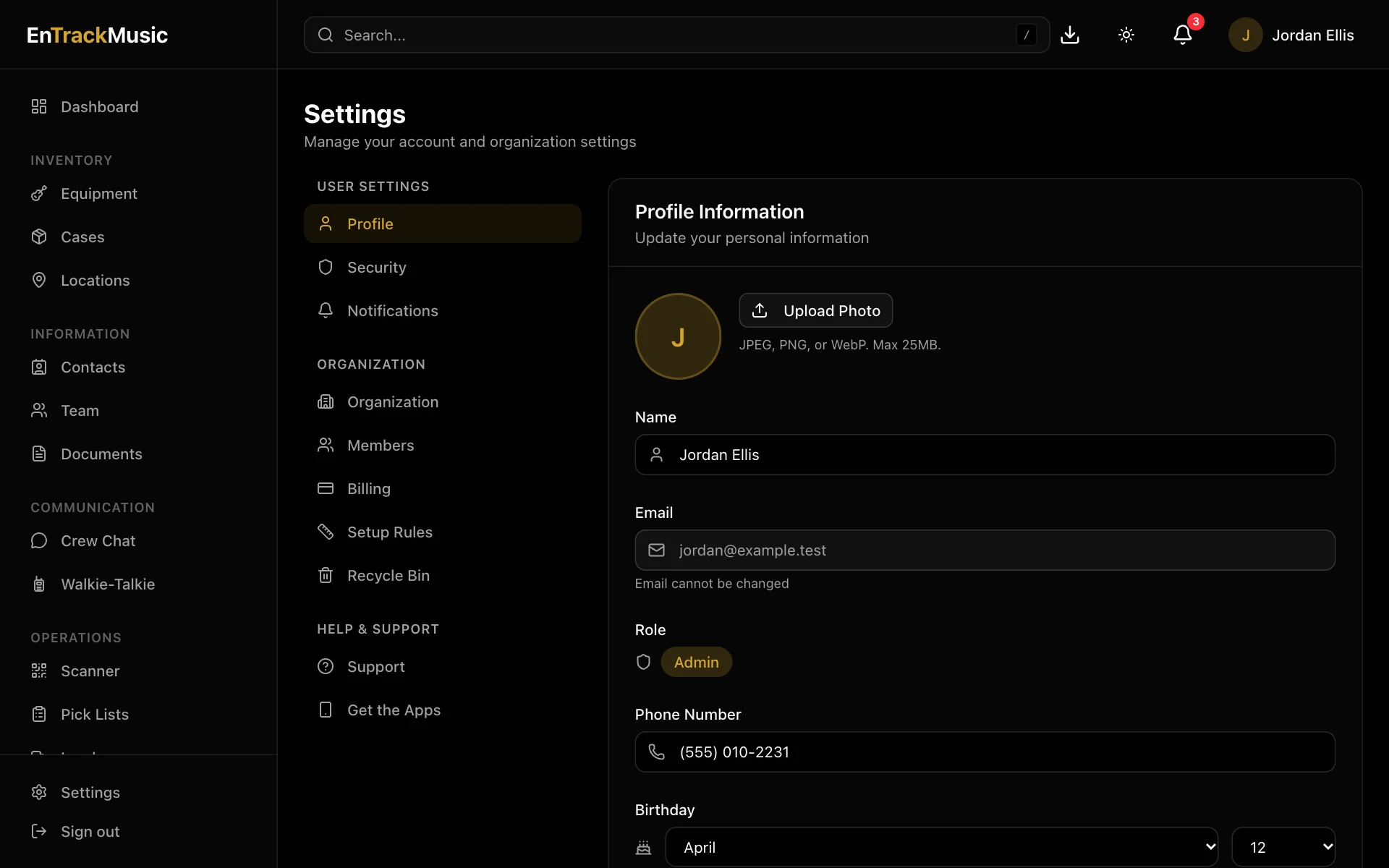
Your profile
Under Profile you can change:
- your photo and name,
- phone number, birthday and address,
- About Me.
Choose who on your team can see your address under Address Visibility: the full address, just the city and state, or hidden. Your email can't be changed, and only an admin can change your role.
Sign-in and security
Under Security:
- Password: choose Reset Password and we'll email you a link to set a new one.
- Connected Accounts: connect Google, Microsoft or Apple so you can sign in with them, or disconnect them.
- Two-factor authentication: ask for a second step at sign-in, from either:
- an Authenticator App (like Google Authenticator or 1Password): choose Set Up and scan the code;
- a Passkey: choose Add Passkey to use Face ID, Touch ID, Windows Hello or a security key.
- Recovery Codes: choose Generate and keep them somewhere safe. Each code gets you in once if you lose your phone.
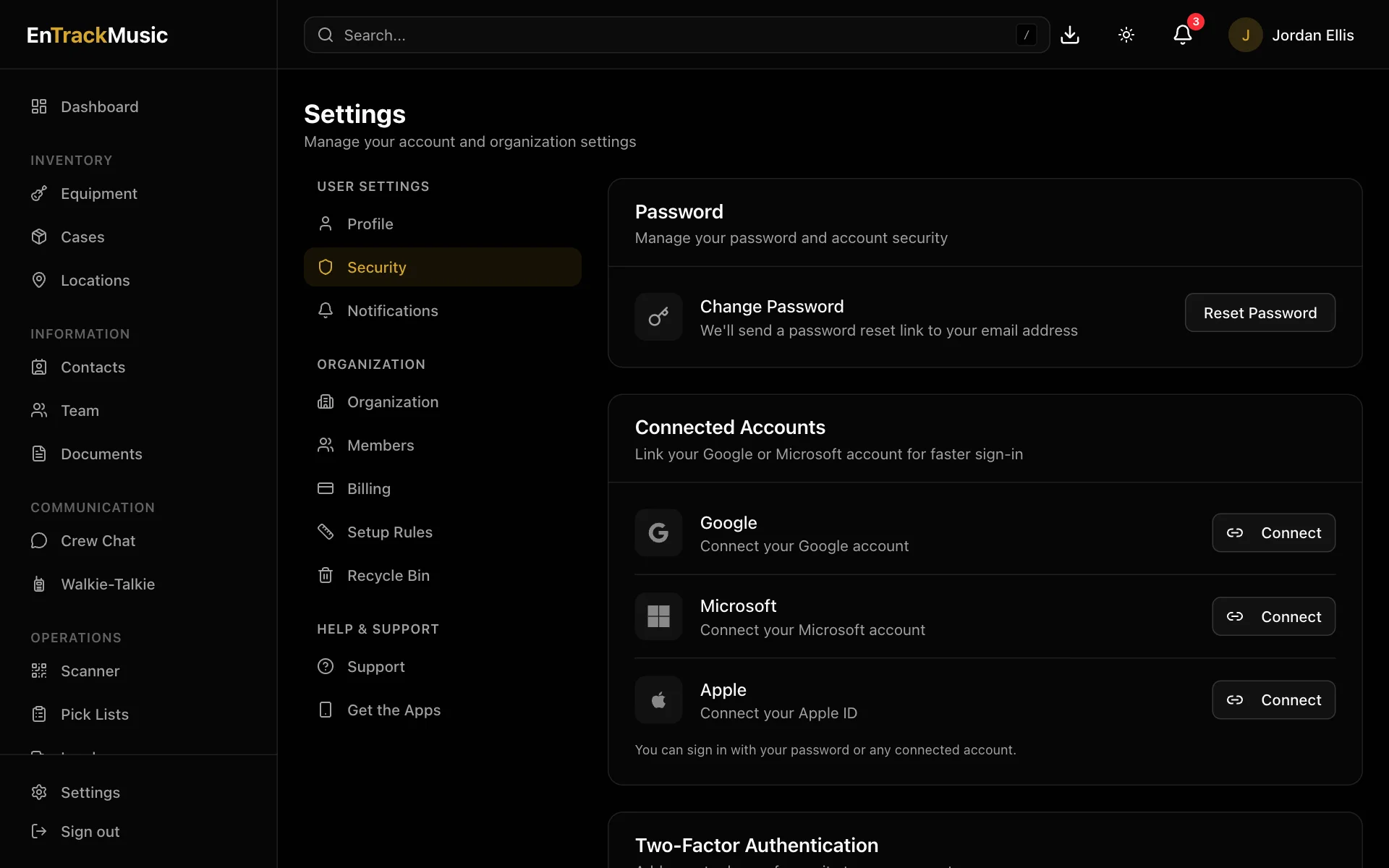
Set up two-factor authentication and save your recovery codes, especially if you're an admin.
Forgot your password?
On the sign-in page, choose Forgot password? and enter your email. We'll send a link to choose a new password.
Delete your account
Under Security, choose Delete my account and type your email to confirm. This removes your personal details. Your organization and its gear stay. If you're the only admin of an organization with a paid plan, cancel the plan or make someone else an admin first.
Still stuck? Contact us and we'll help.